You Don't Need a Dumb Phone — Try Digital Feng Shui First
Thinking about switching to a dumb phone to escape screen addiction? Before you downgrade, discover how Digital Feng Shui can transform your smartphone into a tool that calms rather than controls you — without losing the apps you actually need.
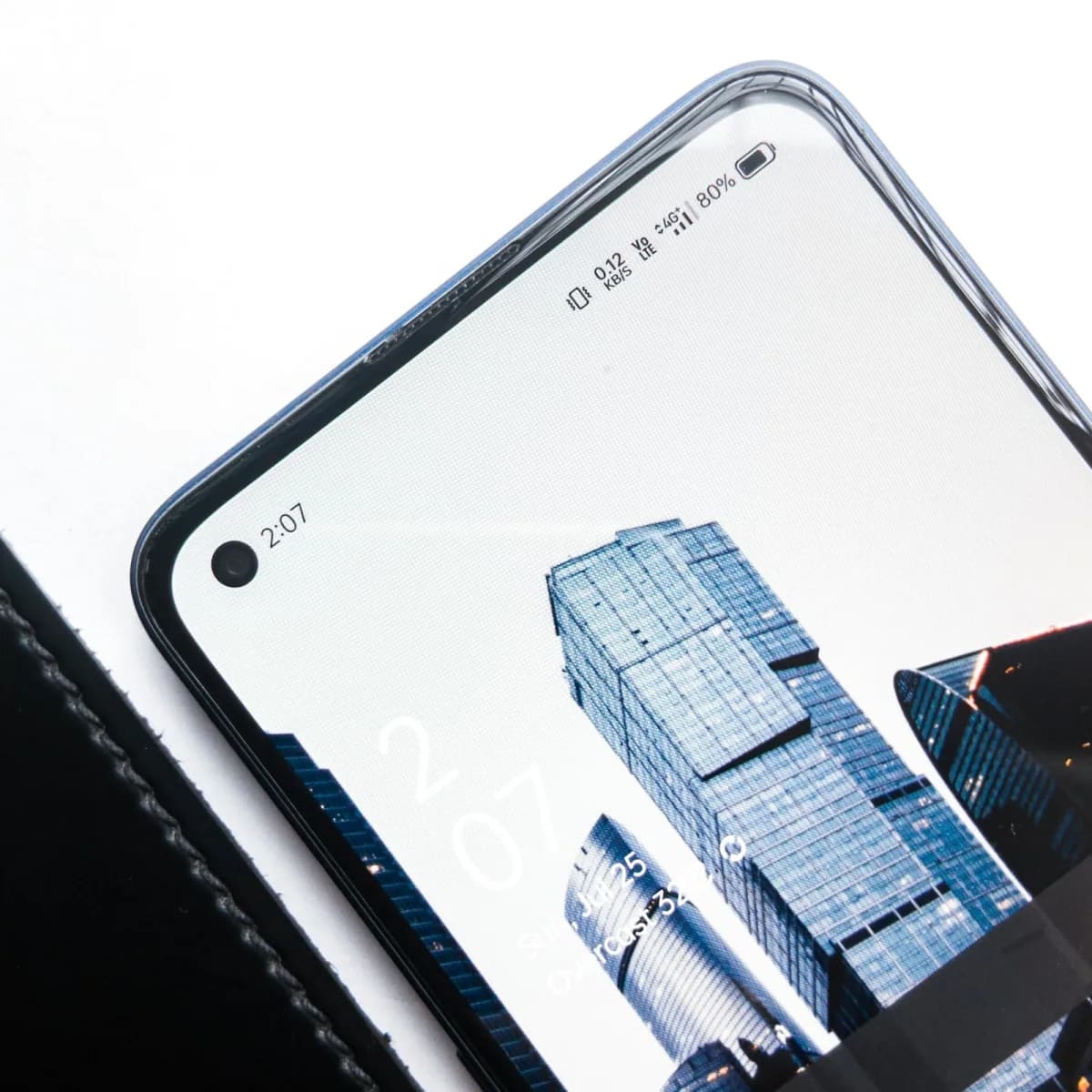
You've felt it. That hollow, restless feeling after 45 minutes of mindless scrolling. The creeping awareness that your phone is running you, not the other way around. And so, like a growing number of people in 2026, you've started thinking: What if I just got a dumb phone?
The dumb phone movement is real. Searches for "best dumb phone 2026" have exploded. Flip phones are back in stores. Month Offline programs encourage people to swap smartphones for feature phones for 30 days. The frustration is completely valid.
But before you throw away your iPhone or Android — along with the maps, the boarding passes, the bank app, and the contacts of everyone you've ever met — there's something worth trying first.
Digital Feng Shui.
It addresses the same problem the dumb phone solves, but from the inside out. Not by stripping your phone's capabilities, but by restructuring its energy.
Why People Switch to Dumb Phones (And Why It Often Fails)
The logic behind the dumb phone is sound: remove the temptation, remove the problem. If Instagram isn't on your phone, you can't doom-scroll Instagram. Simple.
Except it isn't that simple. Studies tracking dumb phone adopters show a familiar pattern:
- Week 1–2: Profound relief, better sleep, more presence.
- Week 3–4: Workarounds emerge. Instagram on a laptop. A tablet kept on the nightstand. The behavior migrates.
- Month 2+: Many users quietly switch back, having never addressed why they needed the escape in the first place.
The dumb phone treats the symptom. Digital Feng Shui treats the source.
The Real Problem: It's not that your phone has too many features. It's that your phone's current configuration is designed by algorithms to maximize your engagement — not your wellbeing. Every default setting, every app placement, every red notification badge is engineered to pull you in. Digital Feng Shui reconfigures this environment to serve your intentions instead.
The Digital Feng Shui Alternative: Restructure, Don't Downgrade
In classical Feng Shui, when a space has bad energy — stress, stagnation, chaos — the master doesn't demolish the house. They reposition, clear, and redirect the energy flow. The same structure becomes a different experience.
Your smartphone is a space. Right now, it's probably configured like a casino: stimulating, disorienting, and impossible to leave. Digital Feng Shui redesigns it like a well-ordered study — everything present that should be there, nothing present that shouldn't, and a clear sense of purpose the moment you enter.
Here's how to do it in five moves.
Move 1: Create a Blank Front Door
In Feng Shui, the Ming Tang — the "Bright Hall" — is the open, welcoming space at the entrance of a home. It allows energy to gather before flowing through the house. Your lock screen and home screen are your digital Bright Hall.
Most people's home screens look like a cluttered notice board: 40+ app icons, multiple pages, notification badges flashing everywhere. This is the digital equivalent of arriving home to a hallway full of screaming people demanding your attention.
The fix:
- Move every app off your main home screen. Every single one.
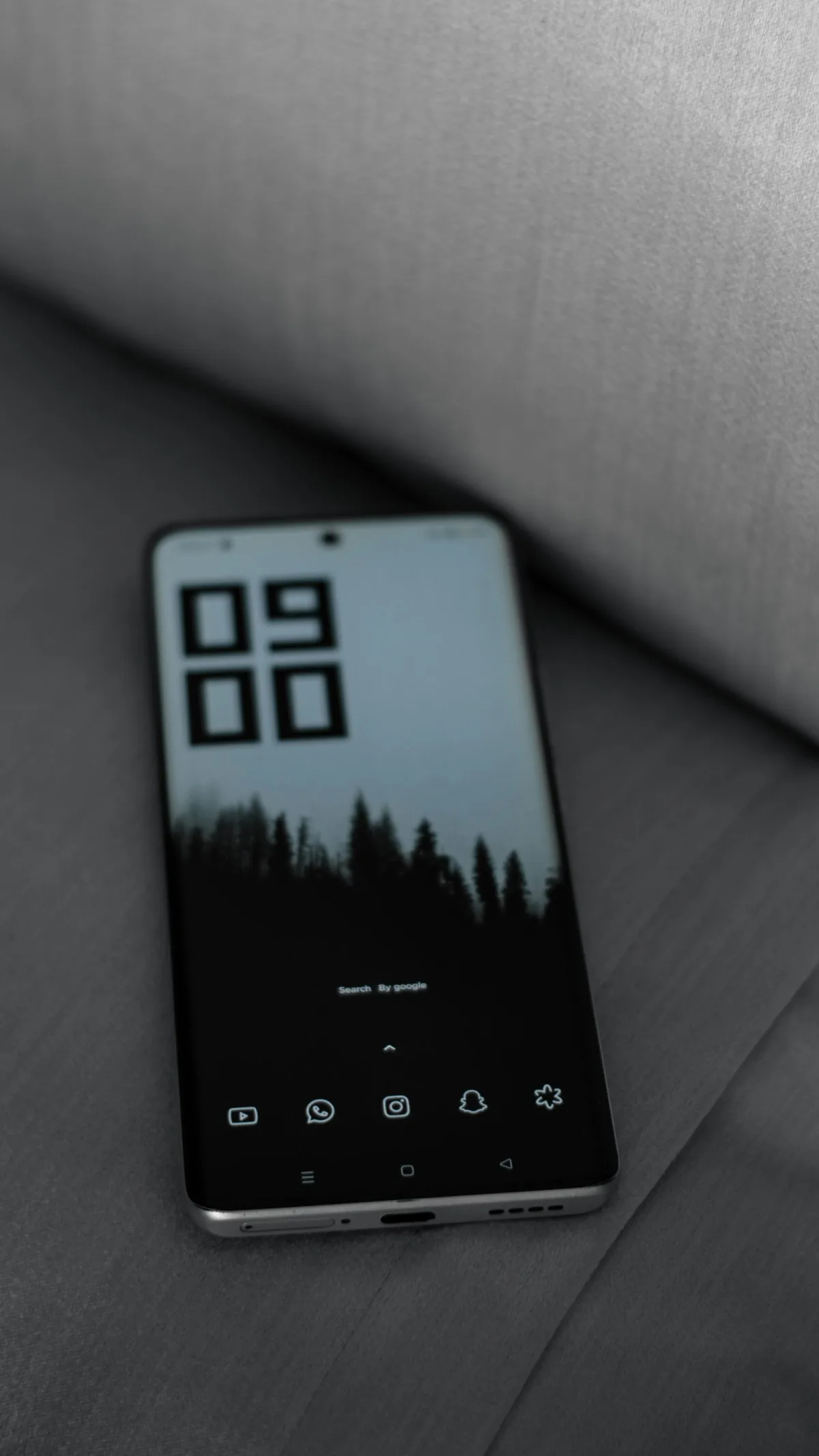
- Set your wallpaper to something calm and intentional — a minimalist landscape, a single color, a meaningful image with no text clutter.
- Add back only 4–6 apps that represent your core daily purpose. Nothing else.
- Use your phone's App Library (iOS) or search function (Android) to access everything else. The friction of searching is healthy — it breaks the automatic open-scroll reflex.
Action Step
Do this now: Take your current home screen and move everything into one folder labeled "Archive." Live with a blank home screen for 48 hours. Notice what you actually reach for and what you forget about entirely. Only the first category comes back.
Move 2: Kill the Red Badges — All of Them
Red notification badges are the single most effective piece of attention engineering ever invented. They are deliberately designed to trigger a low-level anxiety response — the same primal instinct that makes us notice blood-red colors in our environment.
In Feng Shui terms, they are Sha Chi — attacking, disruptive energy positioned at every point of your digital home.
The fix:
Go to your phone's notification settings and turn off badge icons for every app except:
- Phone calls
- Messages from people you've explicitly designated as priority contacts
Not "reduce" them. Off. The apps will still work. You'll still get messages. You'll check them when you choose to, not when a red dot manipulates you into it.
This single change is reported by Digital Feng Shui practitioners as the most immediately impactful step — more than any other modification.
To go even further: enabling grayscale mode removes the color dopamine triggers that make red badges so effective in the first place. The two changes together — no badges, no color — dramatically reduce the visual pull of your phone without removing any functionality.
Move 3: Apply the Time Zones of Energy
Traditional Feng Shui recognizes that energy flows differently at different times of day. Morning Chi is expansive and creative. Evening Chi should be calm and restorative. Your phone's notification behavior should match these natural rhythms — not fight them.
A simple three-zone system:
Morning Sanctuary (Wake up → 10am) Protect this time completely. Enable Do Not Disturb with exceptions only for true emergencies. No news. No social media. No email. This is the time your brain is most creative and most vulnerable to being hijacked.
Active Hours (10am → 7pm) Normal operation, but with the badge icons and most social notifications still off. Check messages and email in batches — three times a day maximum.
Evening Wind-Down (7pm → Sleep) Re-enable Do Not Disturb. Specifically block any apps that trigger comparison, stress, or the "just one more" reflex. Your phone should actively support your transition to rest, not work against it.
iOS users: Use Focus Modes to automate this. Build a "Morning" focus, a "Work" focus, and an "Evening" focus with different app and contact access for each. Set them to activate automatically by time. This removes the willpower requirement entirely.
Android users: Digital Wellbeing → Focus Mode allows similar automation. Samsung's Modes and Routines feature is even more powerful.
Move 4: Remove the Energy Drains — Specifically
Not all apps are equal. Some generate creative energy, connect you to people you love, and help you navigate the world. Others are sophisticated attention traps designed by billion-dollar companies whose business model depends on keeping you scrolling.
Be honest about which category each app in your phone falls into. Then act accordingly.
The honest question for each app: "Does this app serve my goals, or does it serve the app company's goals?"
Common energy drains that most people can remove entirely:
- TikTok, Instagram Reels, YouTube Shorts (short-form video is engineered to be maximally addictive)
- News apps with push notifications (anxiety-producing with minimal actionable value)
- Mobile games designed around variable reward loops
- Any shopping app with a deals notification system
If you need Instagram for genuine professional or social reasons, keep it — but move it off your home screen, remove its badge, and access it intentionally rather than reflexively.
YouTube is worth a separate note: it doesn't have to be an energy drain. The default algorithm is the problem, not the platform itself. If you use YouTube regularly, restructuring your relationship with the algorithm can turn it from a rabbit-hole machine into a useful tool — without deleting it entirely.
On "I'll just use the browser version": This is a legitimate strategy and significantly reduces compulsive use. Browser sessions feel more deliberate and don't have the same notification hooks as native apps. Try it before deciding you can't live without the app.
Move 5: Design a Charging Ritual
Where and how you charge your phone shapes your entire relationship with it. Most people charge on their nightstand, which means their phone is the last thing they interact with before sleep and the first thing they reach for upon waking. This is, from a Feng Shui perspective, like sleeping with a casino floor next to your bed.
The fix: Establish a dedicated "phone dock" outside your bedroom. The kitchen counter. The hallway. Anywhere that isn't your sleeping space.
This creates a natural boundary between your digital environment and your most restorative space. It is, perhaps, the closest thing to the dumb phone effect that you can achieve without actually switching devices.
Pair this with a physical alarm clock — which removes the last legitimate reason most people give for keeping their phone bedside.
How This Compares to a Dumb Phone
| Dumb Phone | Digital Feng Shui | |
|---|---|---|
| Breaks compulsive scrolling | ✅ Yes | ✅ Yes |
| Better sleep | ✅ Yes | ✅ Yes |
| Keeps essential apps | ❌ No | ✅ Yes |
| Works with your life | ⚠️ Difficult | ✅ Yes |
| Addresses root behavior | ❌ No | ✅ Yes |
| Sustainable long-term | ⚠️ Mixed results | ✅ Yes |
| Setup time | 30 minutes | 2–3 hours |
The dumb phone is the right choice for some people — particularly those who genuinely cannot resist their smartphone despite sincere effort. If you've decided a dumb phone is worth trying, our honest guide to dumb phone experiences covers specific devices, real user stories, and the deal breakers nobody warns you about. For most people, though, the problem isn't the device. It's the configuration. And configuration can be changed.
Start Today
You don't have to do all five moves at once. In fact, the most sustainable approach is one move per day over five days.
Action Step
Your Five-Day Start Plan:
Day 1: Clear your home screen — everything into one folder. Day 2: Turn off all badge icons except calls and messages. Day 3: Set up your three time zones with Do Not Disturb. Day 4: Identify and remove your three biggest energy drain apps. Day 5: Move your charger out of your bedroom.
After five days, notice how your relationship with your phone has shifted. Most people report the same words: "It feels like mine again."
The dumb phone movement is responding to something real: our digital environments are making us anxious, distracted, and exhausted. But the solution isn't to dismantle the tool — it's to reclaim ownership of it.
Your phone can be a source of calm instead of chaos. It just needs to be arranged with intention.
Ready to go deeper? Learn how to apply the full Feng Shui framework to your phone in our 5-Step Phone Feng Shui Guide, or discover how to manage the biggest source of digital drain with our Smartphone Notification Feng Shui guide. Want the single fastest win? Enable grayscale mode in 30 seconds — it removes the color cues that make your phone irresistible. Struggling with YouTube specifically? Our YouTube Digital Feng Shui guide shows how to retrain the algorithm. Considering a full dopamine detox? Our week-by-week timeline shows exactly what to expect. Or read about what happens when you quit social media entirely. New to this approach? The complete digital feng shui guide covers all the principles.
Tagged
More in Smartphone Feng Shui
Ready to start from the beginning?
The 30-Day Digital Feng Shui Challenge is a structured, day-by-day program to redesign your digital environment for good.
Start the 30-Day Challenge →